
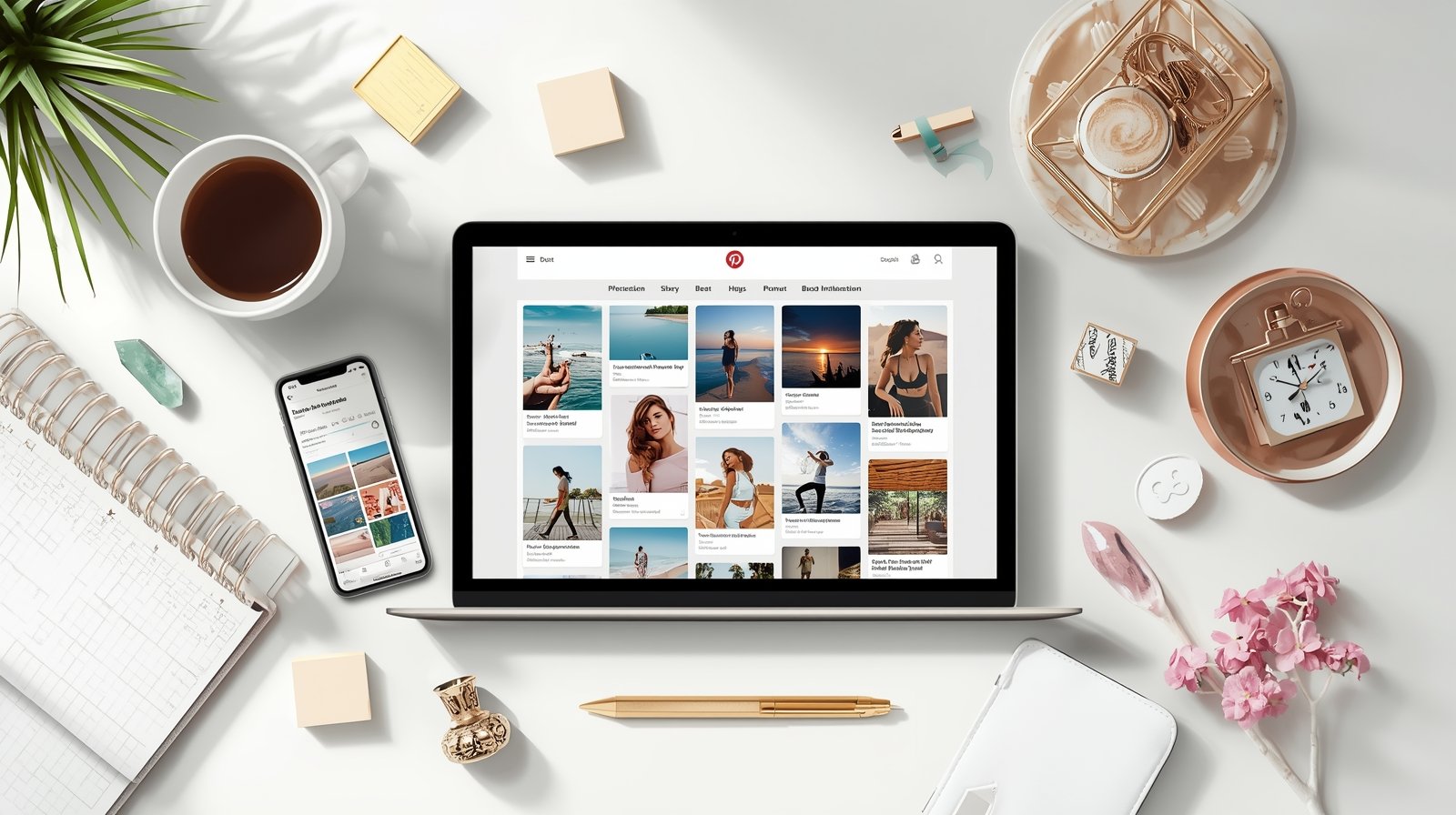
How to Make a Vision Board on Pinterest (2026 Guide)
If you want a simple and inspiring way to visualize your goals, learning how to make a vision board on Pinterest is one of the best choices.
Pinterest is built for visual discovery, so it works perfectly as a digital vision board.
You can collect images related to your 2026 goals, organize them into categories, and access your board from anywhere.
With this guide, you will learn step by step how to create a Pinterest vision board that reflects your dreams for the year ahead.
Why create a vision board on Pinterest?
Pinterest is a visual search engine filled with images, quotes, designs, dream destinations, home ideas, wellness tips, and everything you might want to manifest.
This makes it an ideal platform for building a digital vision board.
You can search for any goal you have and instantly find hundreds of inspirational visuals.
Pinterest also allows you to organize everything into boards and sections, making your digital vision board easy to navigate.
Since Pinterest syncs across all devices, your goals stay with you wherever you go.
Step 1: Define your 2026 goals
Before you create your Pinterest vision board, take a few minutes to think about what you want to achieve in 2026.
Consider areas such as career, money, health, relationships, travel, creativity, habits, and personal growth.
The clearer your goals are, the easier it becomes to find the right images and quotes.
You can write your goals in your Notes app or simply list them on paper.
These notes will help you search for the correct keywords on Pinterest.
Step 2: Create a new Pinterest board
Open Pinterest and tap your profile.
Select Create Board and name it something meaningful, such as:
- 2026 Vision Board
- My Dream Life
- Manifestation Board
- Goals for 2026
Choose Secret Board if you prefer privacy.
This option hides your board from other users and keeps your goals personal.
Once the board is created, Pinterest will start recommending related pin ideas automatically.
Step 3: Search for images that match your goals
Now the fun begins.
Use Pinterest search to look for visuals that represent your goals.
Try using specific keywords like:
- career inspiration
- dream home aesthetic
- fitness motivation
- travel destinations 2026
- healthy lifestyle routine
- financial freedom inspiration
- affirmations for success
The more accurate your keywords are, the better your pins will match your intentions.
Save every image that inspires you.
Do not overthink your choices.
Your intuition will guide you toward the images that feel aligned with your future.
Step 4: Organize your Pinterest vision board with sections
Pinterest makes it easy to group your pins using the Sections feature.
This helps you build a structured and clear digital vision board.
You can create sections such as:
- Career and Business
- Money and Abundance
- Travel and Adventure
- Love and Relationships
- Health and Fitness
- Lifestyle and Aesthetic
- Personal Growth
Organizing your pins in this way helps your mind understand and visualize your goals more easily.
It also makes the board more enjoyable to revisit later.
Step 5: Add affirmations and text-based pins
A powerful vision board includes not only images but also supportive words.
Search for terms like “affirmations”, “manifestation quotes”, or “positive mindset”.
Save pins that represent the energy you want to attract into your life.
You can also create your own affirmation graphics using apps like Canva and upload them directly to your Pinterest vision board.
Step 6: Upload your own photos
Your future is unique, so your vision board should reflect your personal goals.
Consider uploading your own photos, screenshots, or designs.
For example, if you want to visit Milan or Tokyo, upload your own travel photos or bucket-list notes.
If your goal is a new business or a new app, upload sketches or mockups.
Personal images make your vision board feel more authentic and emotionally connected.
Step 7: Review your digital vision board regularly
A Pinterest vision board works best when you revisit it often.
Check your board weekly or even daily.
Save new pins when you feel inspired and remove pins that no longer fit your direction.
Your goals will evolve throughout the year, so let your digital vision board grow with you.
This consistent habit helps you stay aligned with your 2026 intentions.
Step 8: Use your Pinterest board as a wallpaper or screensaver
You can take a screenshot of your board and turn it into a wallpaper for your phone or laptop.This gives you daily visual reinforcement. If you prefer, you can also create a collage from your Pinterest pins using Canva and save it as a clean, aesthetic wallpaper.
Knowing how to make a vision board on Pinterest is a powerful way to visualize the future you want. With endless inspiration, simple organization tools, and easy access across devices, Pinterest helps you stay motivated and connected to your goals. Start today by creating a new board, exploring inspiring pins, and building your digital roadmap for 2026.
Looking for more inspiration? Check out our guide on how to make a vision board on iPhone to take your manifesting practice even further.



That helped me a lot, thanks
It helped a lot for me thankyou